Free AI Color Match: Transform Your Images in Seconds
Upload a reference photo and let our free AI instantly copy its colors, tones, and cinematic mood to your image—no credit card required.
Try It Now
Pick a source and a reference to start
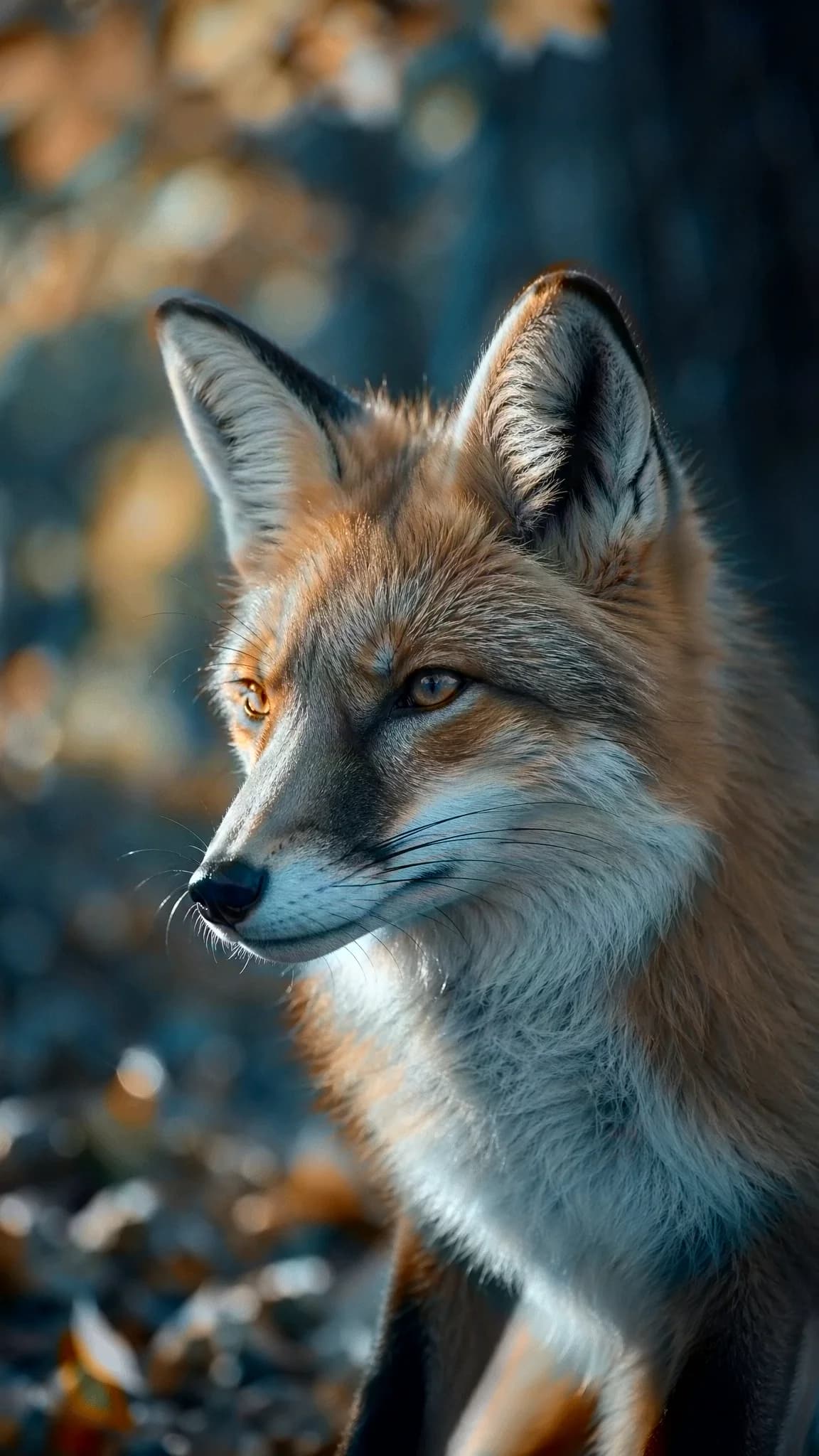
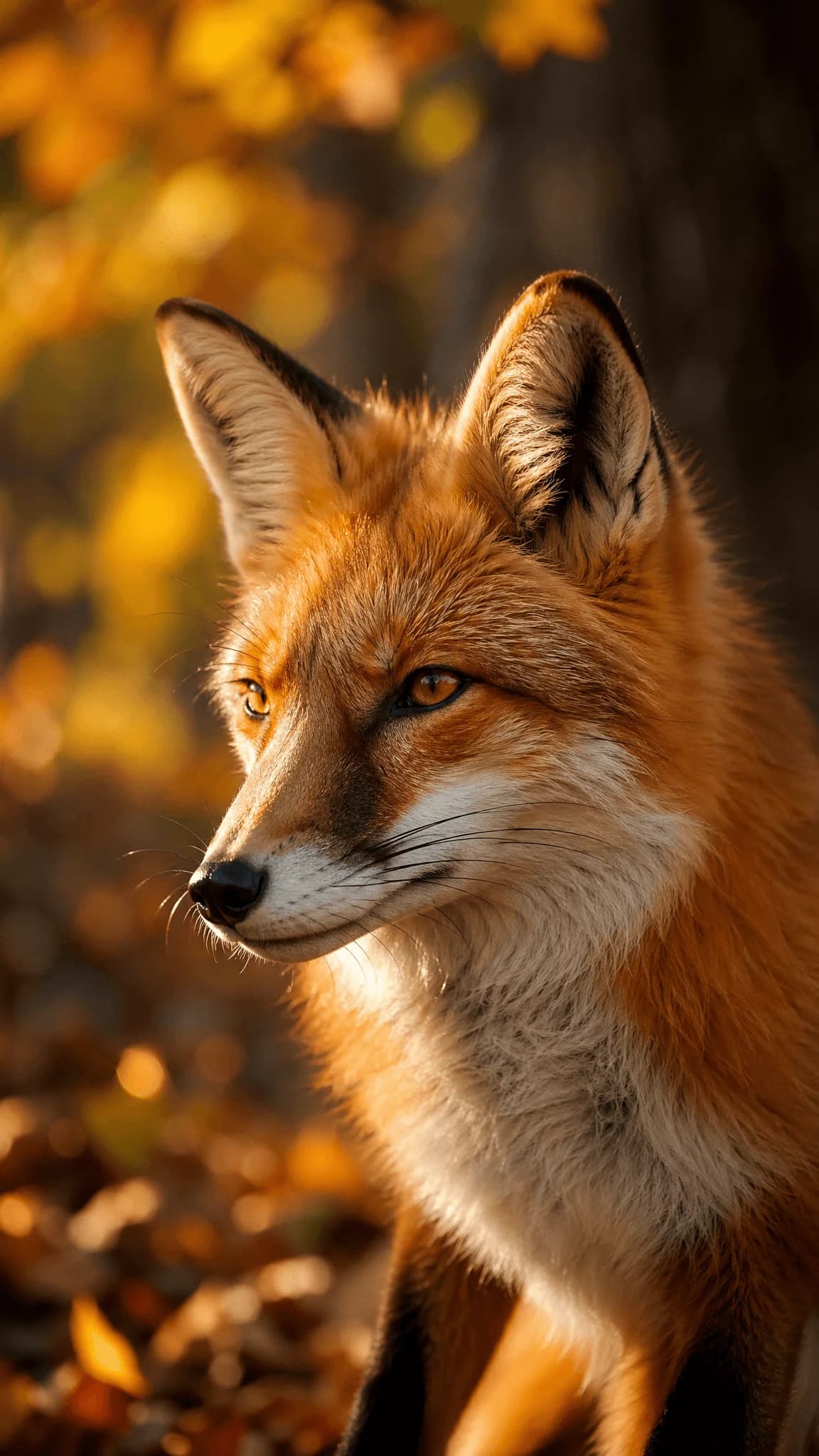
Move your cursor over the image to see the demo result
How to Use AI Color Match
Transform your images in just a few simple steps with our AI color match technology.
1
Upload Source Image
Select the image whose content you want to preserve while matching new colors onto it.
2
Upload Reference Image
Choose the reference image with the colors and tones you want to match.
3
Transfer Color Grade
The transfer runs as soon as both images are ready — fine-tune it with Amount, Tone and Color.
4
Download Result
Get your transformed image with the matched colors applied.
AI Color Match FAQ
Questions? Email us at support@colorgradetransfer.com
© 2026 Color Grade Transfer. All rights reserved.